
Mytess(iOS app)TeslaMate Deployment Scripts
Quick deployment scripts for TeslaMate with Mytess integration
About Mytess
Mytess is a beautiful native iOS app that transforms your TeslaMate data into actionable insights on your iPhone.
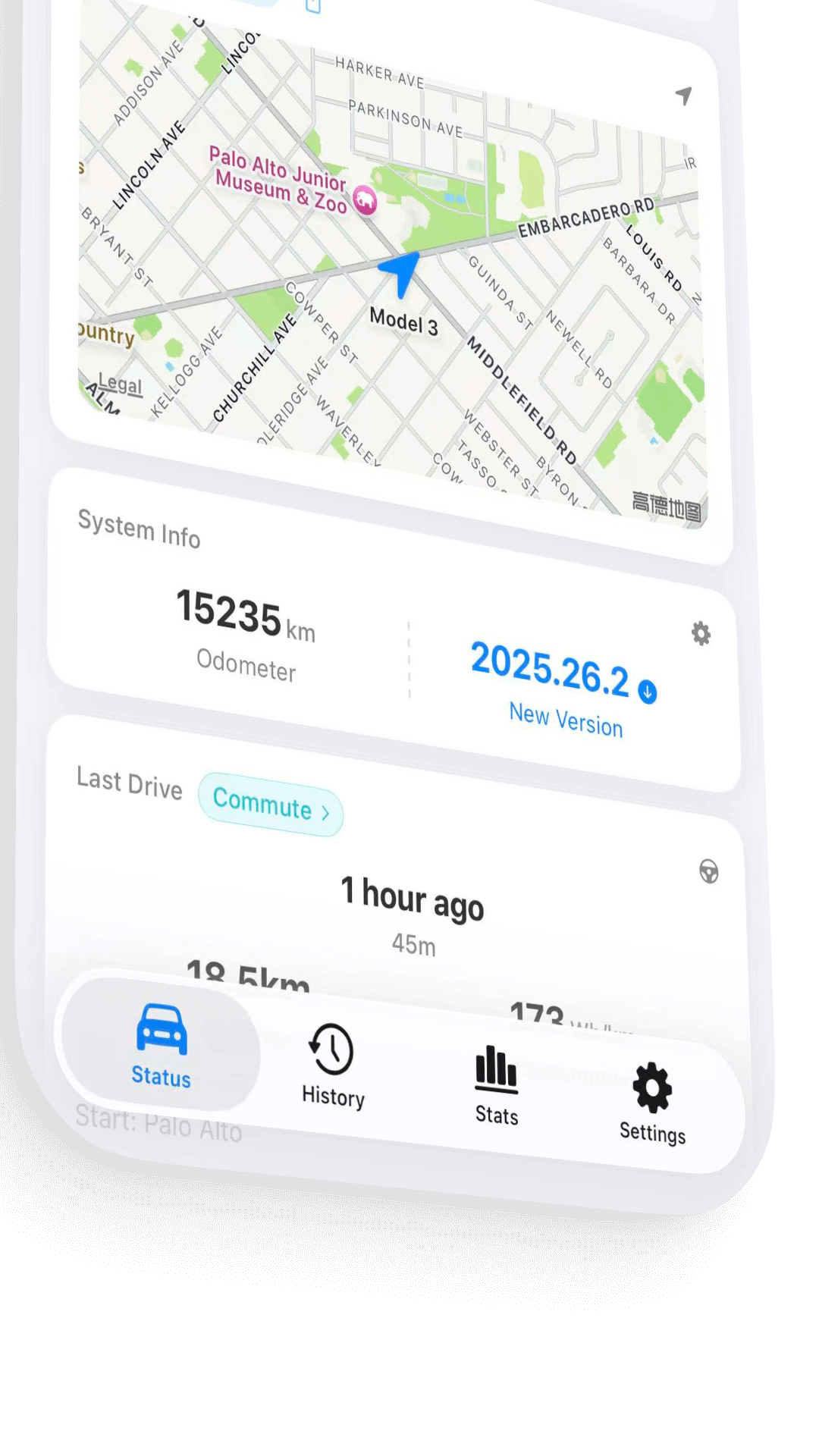
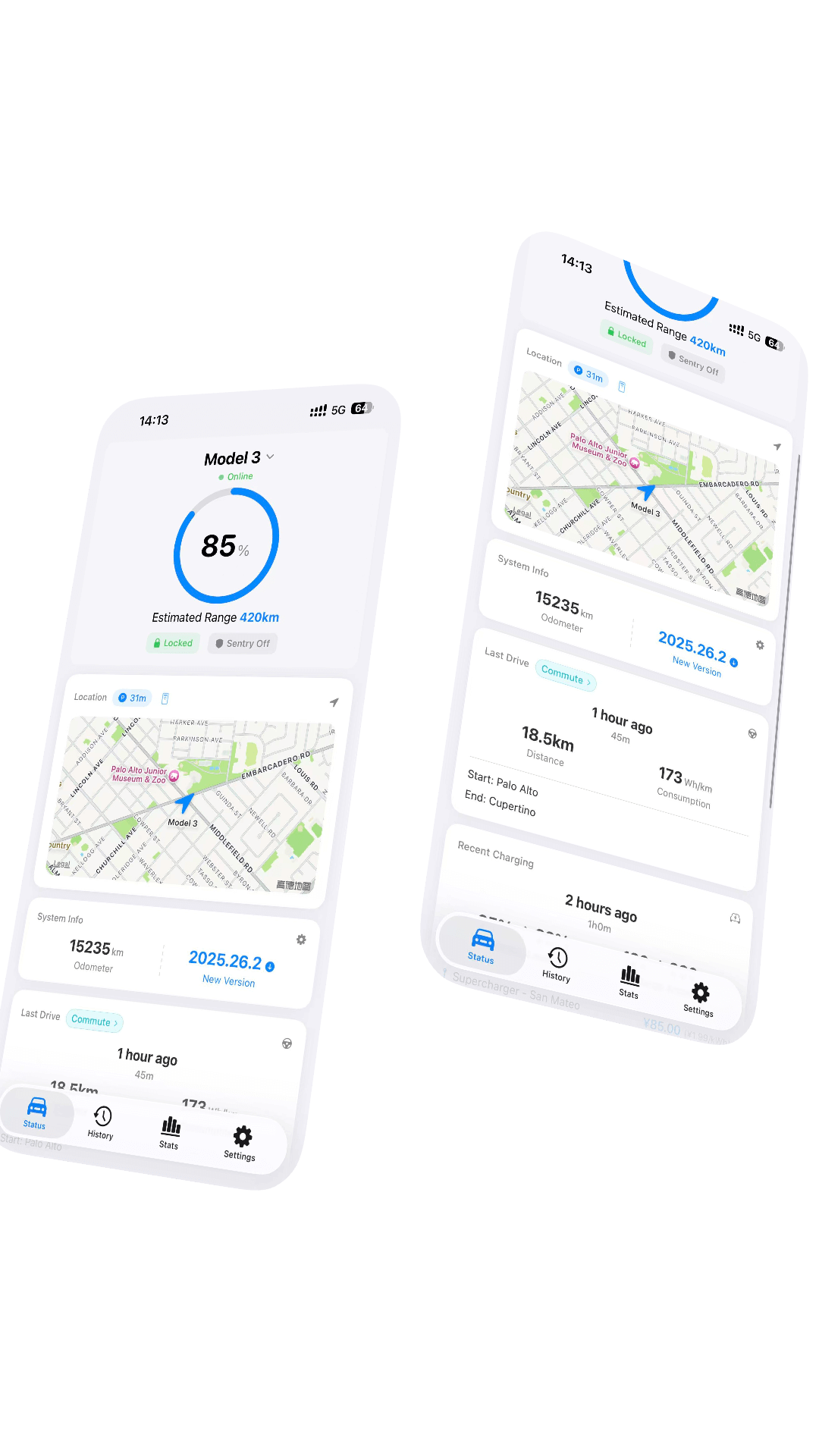
Key Features
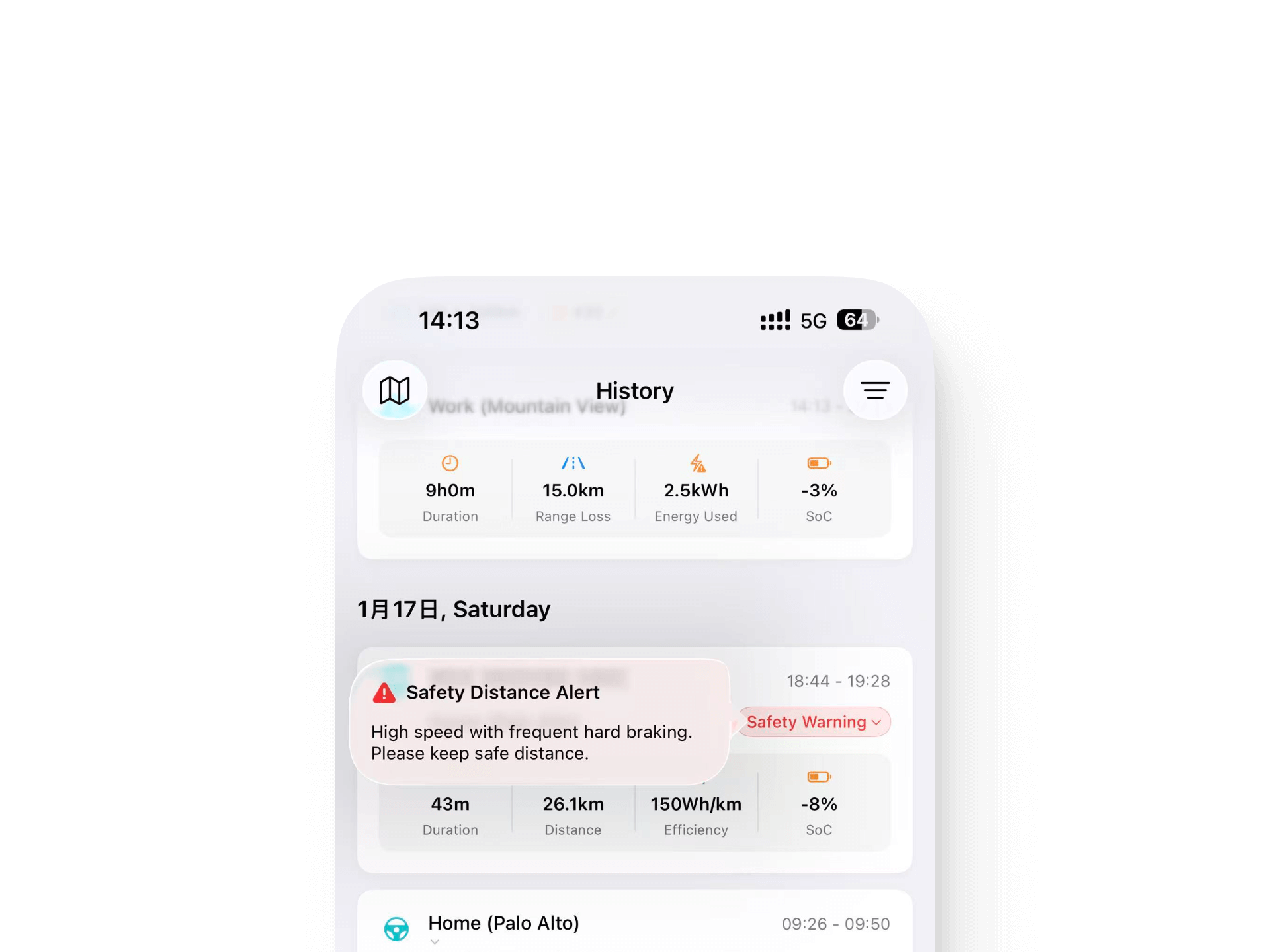
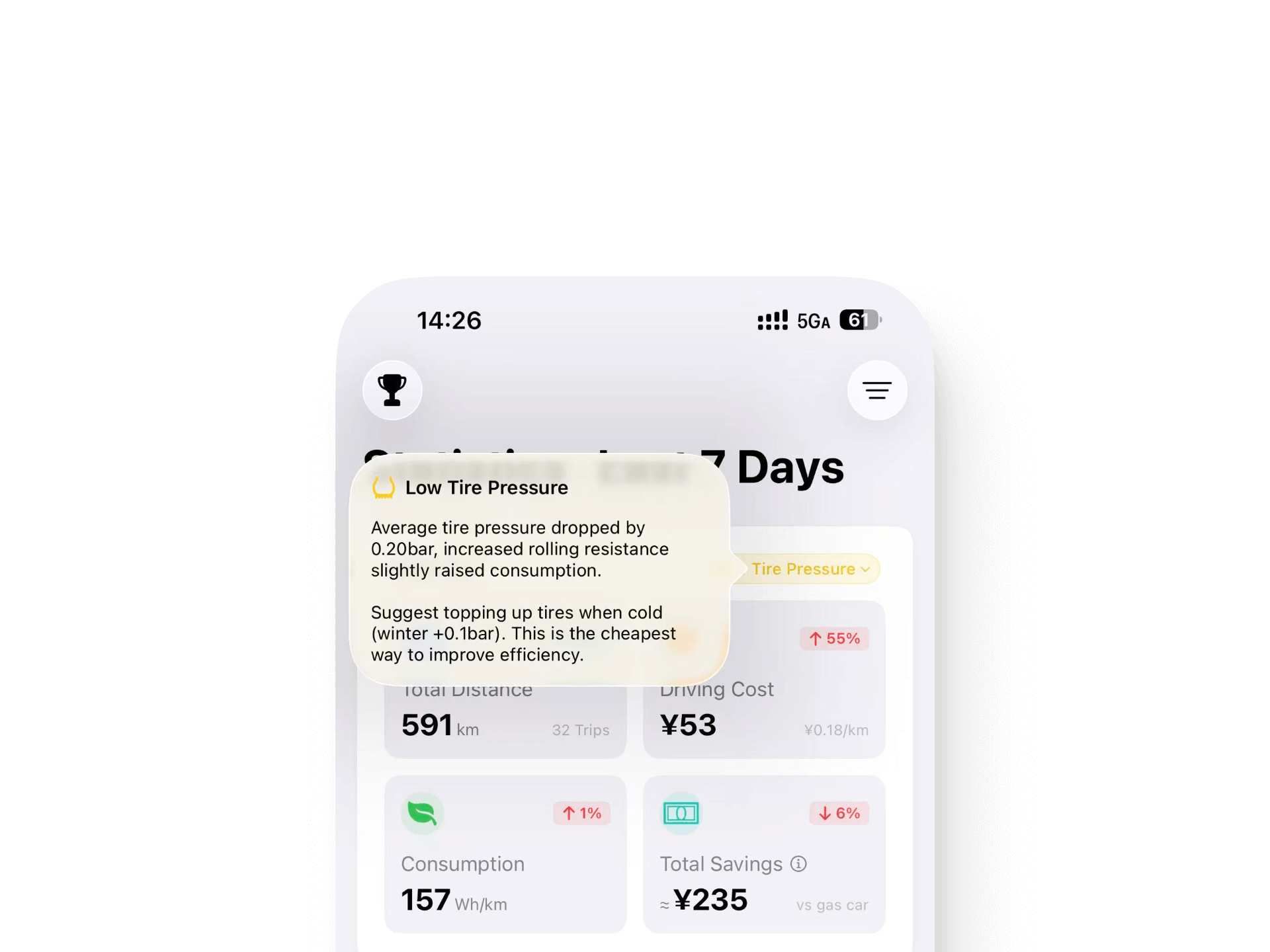
Smart Drive Insights
Analyze your driving efficiency with "Golden Foot" scoring, safety distance analysis, and low temperature regeneration alerts.
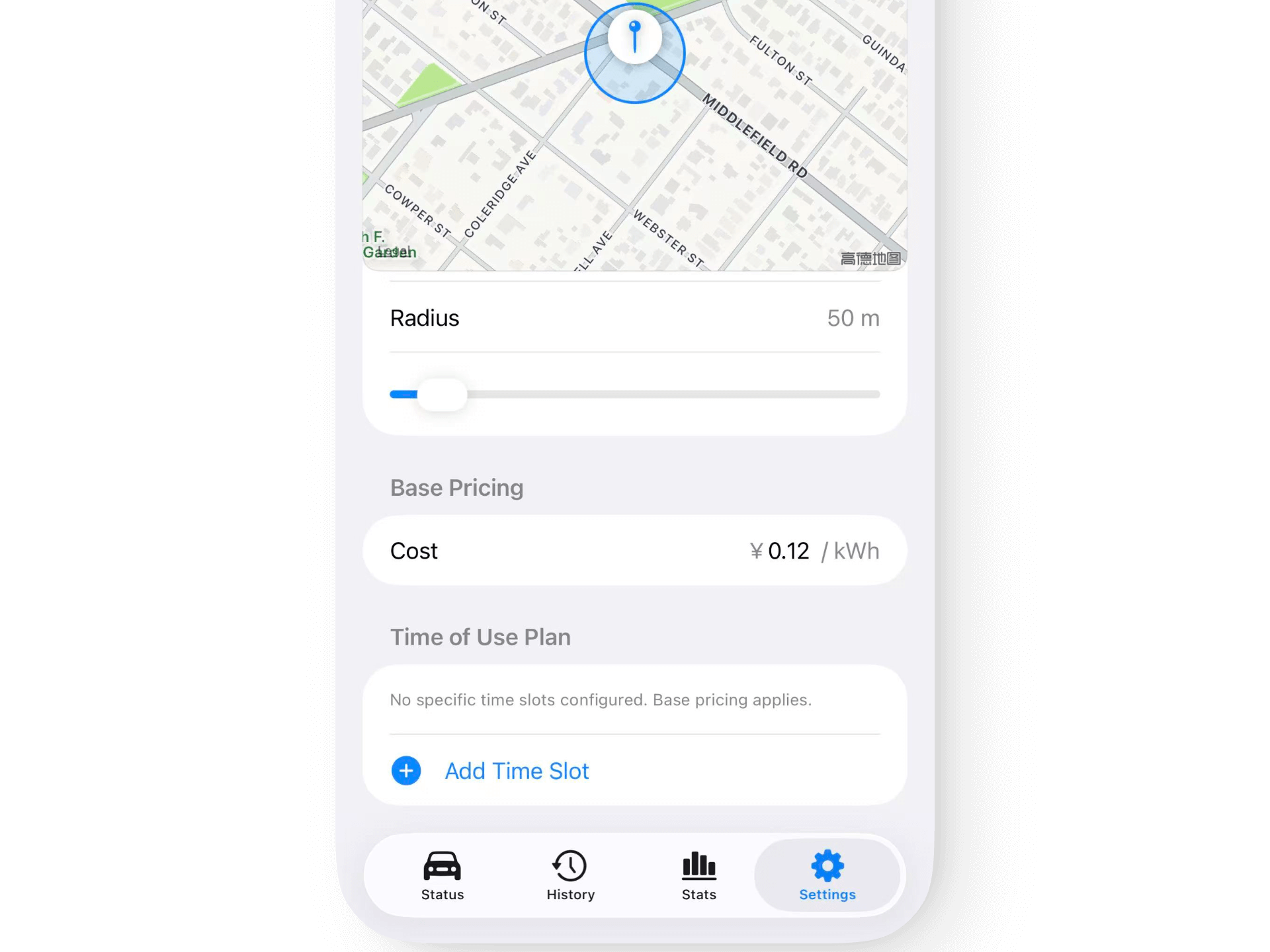
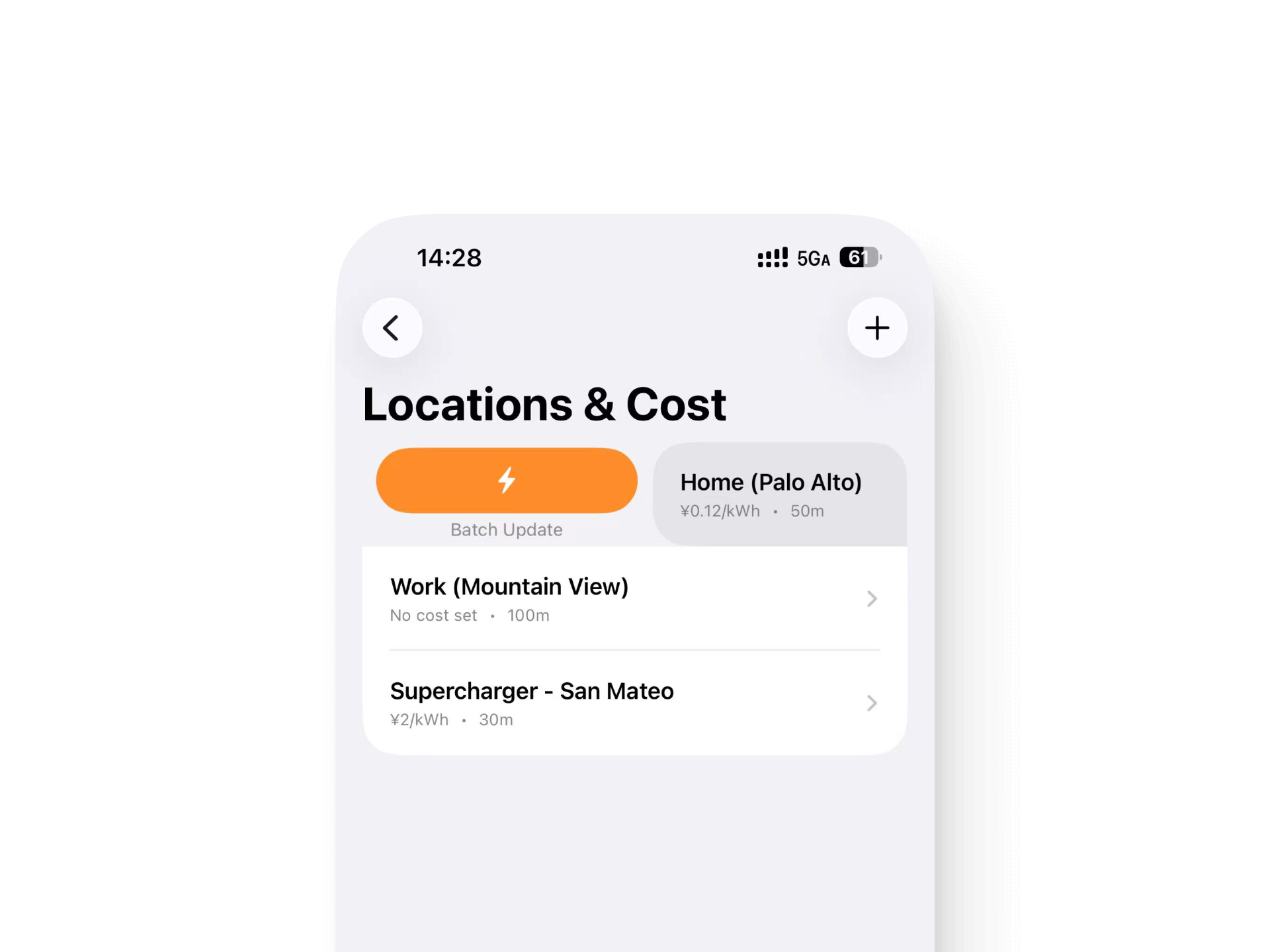
Intelligent Charging Cost Calculation
Geofence-based automatic location identification with time-of-use (ToU) pricing support. Batch cost updates for historical data.
Interactive Map Mode
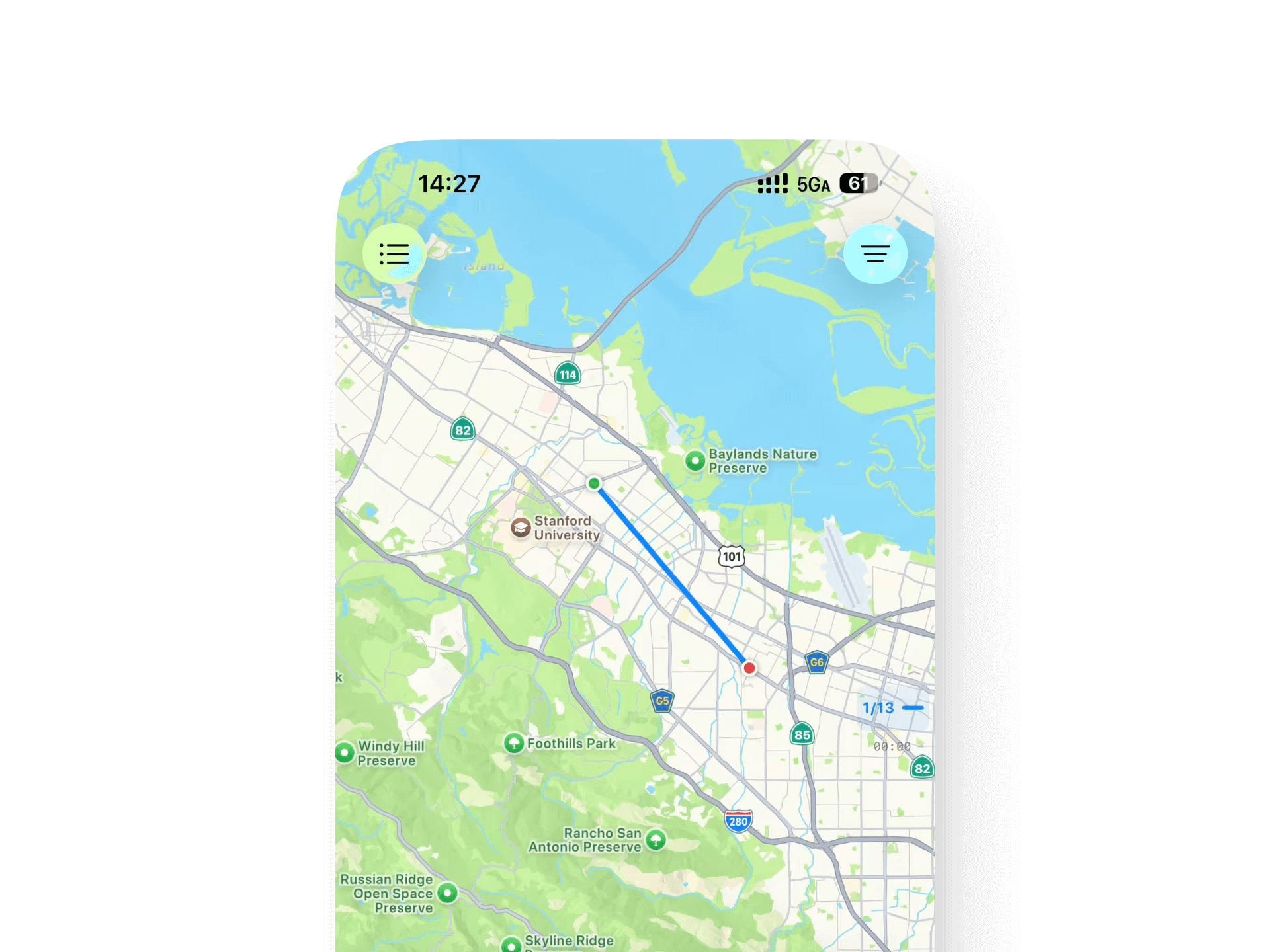
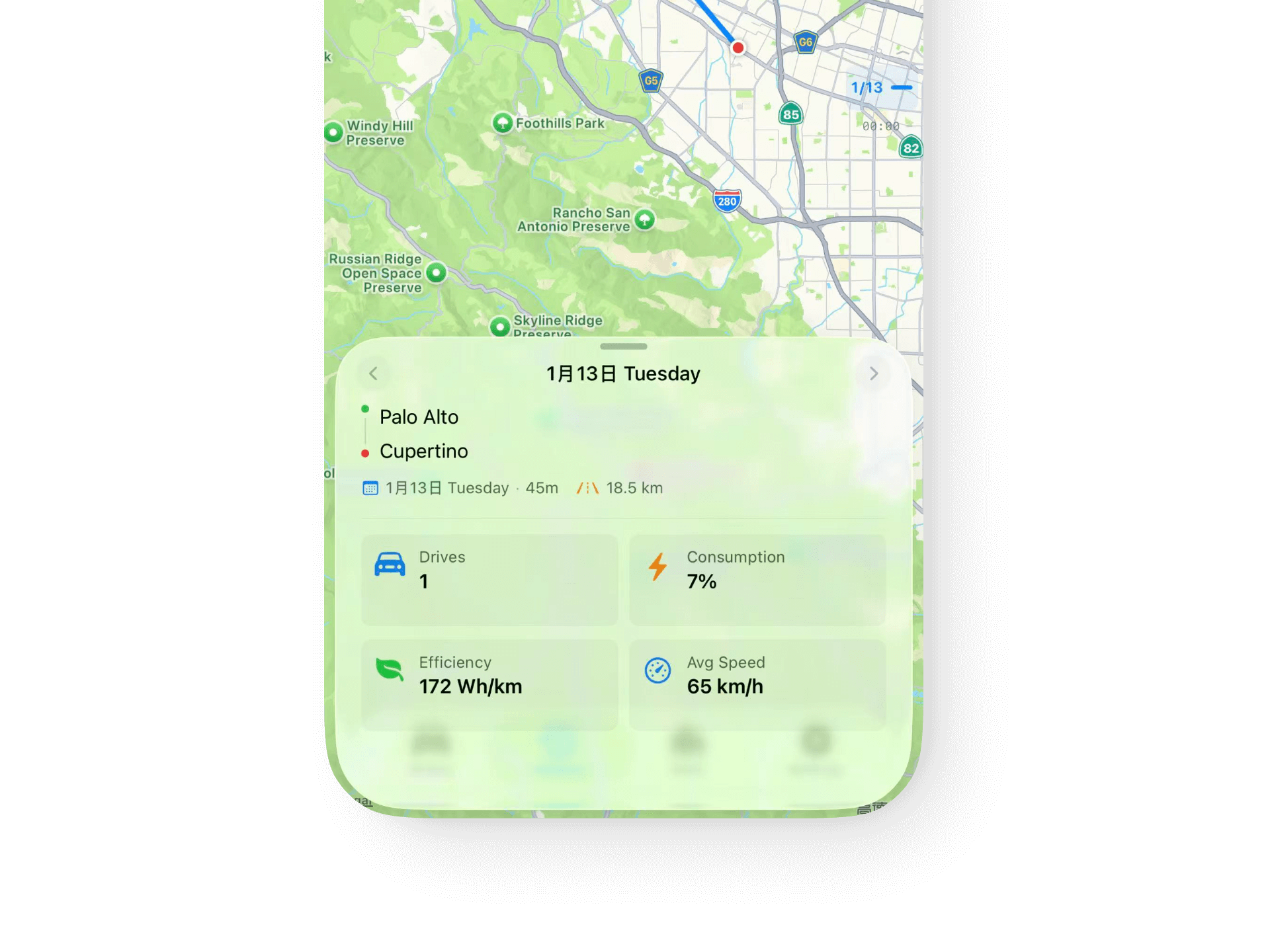
Visualize all drive routes on map with timeline selector for trip exploration and detailed elevation insights.
Real-time Notifications
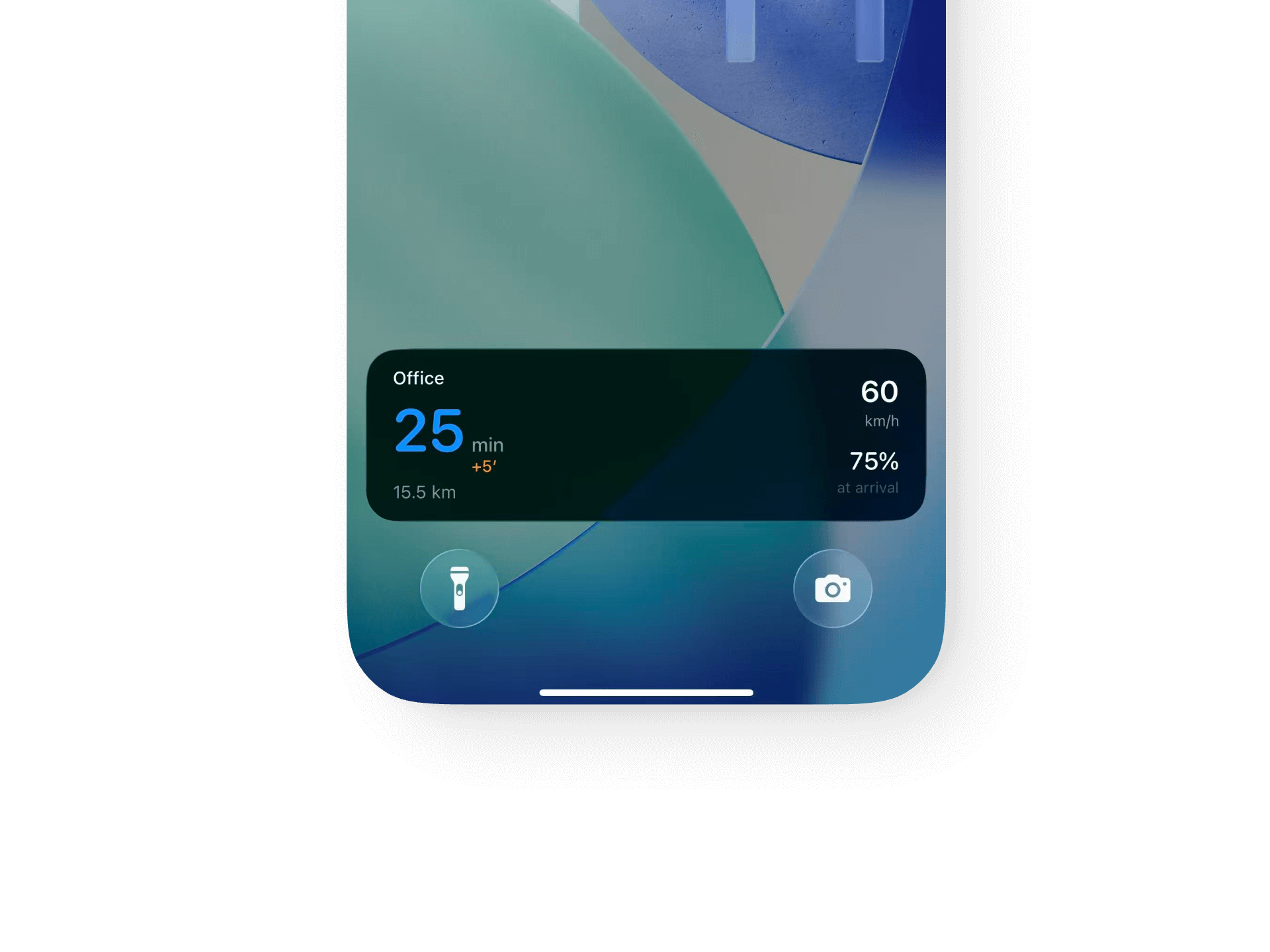
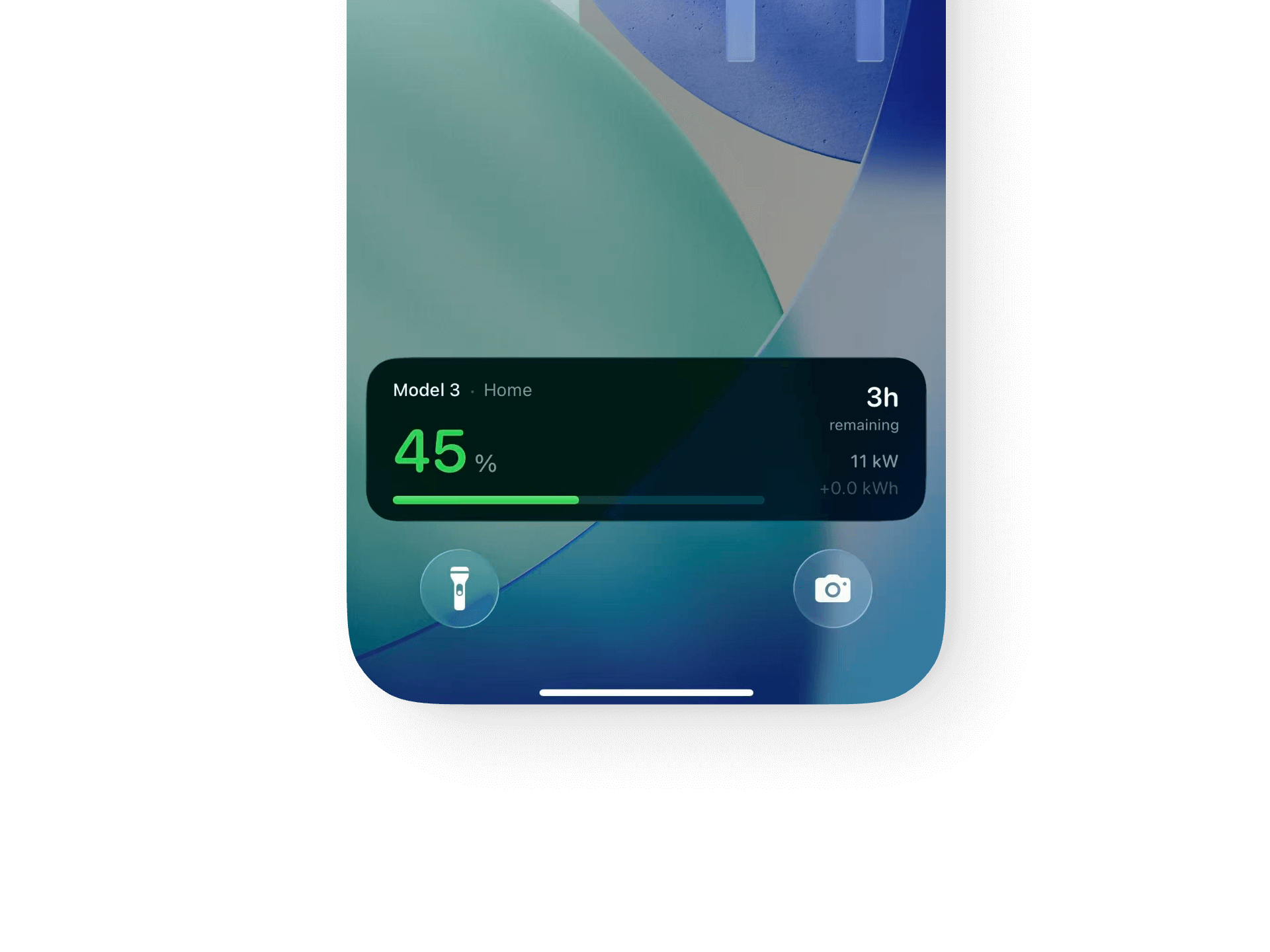
Charging status alerts with Live Activity support on Dynamic Island and navigation sync.
Privacy First
All data stays on your own server with no third-party data sharing. Direct connection to your TeslaMate instance.
Download: App Store | Website: mytess.net
About This Repository
This repository provides:
- Docker Compose configurations for TeslaMate deployment
- Pre-configured TeslaMateAPI for Mytess iOS app connectivity
- Enhanced deployment with modern web interface and unified authentication
Why These Deployment Scripts?
- Mytess-Ready: Pre-configured TeslaMateAPI for seamless Mytess app connectivity
- Modern Interface: Optional Mytesla Dash with unified authentication
- One-Command Deployment: Get TeslaMate running in minutes
Quick Start
Option 1: Official TeslaMate (International Users)
Uses official TeslaMate images. Suitable for international users.
git clone https://github.com/yekk-me/teslamate-mytess-docker.git
cd teslamate-mytess-docker/script
docker compose up -d
Access points:
- TeslaMate:
http://your-ip:4000 - Grafana:
http://your-ip:3000 - TeslaMateAPI:
http://your-ip:3030
Option 2: Mytesla Enhanced Version (Recommended)
Official TeslaMate/Grafana with Mytesla enhancement components.
git clone https://github.com/yekk-me/teslamate-mytess-docker.git
cd teslamate-mytess-docker/script
docker compose -f docker-compose-with-mytesla.yml up -d
Access points:
- Unified entry:
http://your-ip(redirects to Dashboard) - TeslaMate:
http://your-ip/teslamate - Grafana:
http://your-ip/grafana - TeslaMateAPI:
http://your-ip/mytesla/api - Default login:
admin/admin123
Image composition:
- TeslaMate:
teslamate/teslamate:v2.2(official) - Grafana:
teslamate/grafana:v2.2(official) - Mytesla components: Auth, Dash, TeslaMateAPI, Env-Adapter
Mytesla version advantages:
- Official TeslaMate/Grafana for latest updates
- Traefik reverse proxy with unified authentication
- Modern Mytesla Dash web interface (mobile-friendly)
- Enhanced TeslaMateAPI (full Mytess iOS app support)
- Single-port access to all services
- Production-ready security architecture
Connecting Mytess to Your TeslaMate
-
Find your TeslaMateAPI endpoint
- Basic version:
http://your-ip:3030 - Mytesla Dash version:
http://your-ip/mytesla/api
- Basic version:
-
Open Mytess app
- Go to Settings → Server Configuration
- Enter your server URL
- Enter your API token (set in
API_TOKENenvironment variable)
-
Test connection
- Tap "Test Connection"
- If successful, you'll see your vehicle data
Configuration
Security Settings (MUST CHANGE)
Before production deployment, change these environment variables:
# Authentication (Mytesla Dash version)
AUTH_USERNAME=admin              # Change this!
AUTH_PASSWORD=admin123           # Change this!
SECRET_KEY=change-me-random-32   # Change this!

# TeslaMate encryption
ENCRYPTION_KEY=change-me-random  # Change this!

# Database
POSTGRES_PASSWORD=teslamate      # Change this!

# API Token (for Mytess app)
API_TOKEN=change-me-token        # Change this!
Generate secure keys:
openssl rand -base64 32
For detailed configuration instructions, see script/README.md.
Architecture
Basic Version
┌─────────────┐
│  TeslaMate  │ ← Collects Tesla data
└──────┬──────┘
       │
┌──────▼──────┐
│ PostgreSQL  │ ← Stores data
└──────┬──────┘
       │
┌──────▼──────────┐
│ TeslaMateAPI    │ ← Provides API
└──────┬──────────┘
       │
┌──────▼──────┐
│   Mytess    │ ← iOS app
└─────────────┘
Mytesla Dash Version
Includes Traefik reverse proxy for unified authentication and modern web dashboard.
Troubleshooting
Cannot access from mobile
- Check firewall allows required ports (80, 3030 for basic; 80 for Mytesla Dash)
- Verify server is accessible from mobile network
- Try accessing from browser first
Mytess connection failed
- Verify TeslaMateAPI is running:
docker compose ps - Check API_TOKEN matches between config and Mytess app
- Ensure URL format is correct (include http://)
Map not loading in TeslaMate
- Check TeslaMate logs if map doesn't load:
docker compose logs teslamate - Verify network connectivity to OpenStreetMap servers
Documentation
- Full Deployment Guide: script/README.md
- Mytess Official: mytess.net
- TeslaMate Docs: docs.teslamate.org
Community & Support
- Discord: https://discord.com/invite/2DBzQfFPW8
- Email: hi@mytesla.cc
FAQ
Q: Do I need to pay for these scripts? A: No, these deployment scripts are completely free. Mytess is a separate $9.9 iOS app available on the App Store.
Q: What's the difference between Grafana and Mytesla Dash? A: Grafana provides detailed data visualization with customizable dashboards. Mytesla Dash is a modern, mobile-friendly alternative with unified authentication and simpler setup.
Q: Does Mytesla Dash require a license? A: Yes, Mytesla Dash requires a one-time authorization. For licensing inquiries, please contact hi@mytesla.cc.
Q: Can I use Mytess with my existing TeslaMate installation? A: Yes! You only need TeslaMateAPI running. See the deployment guide for adding TeslaMateAPI to existing setups.
Q: Is my data secure? A: Yes! All data stays on your own server. Mytess connects directly to your TeslaMate instance - no third-party servers involved.
Related Projects
- TeslaMate: github.com/adriankumpf/teslamate
- Mytess: mytess.net - Native iOS app for TeslaMate